Game Asset Tool
A downloadable tool for Windows
Game Asset Tool
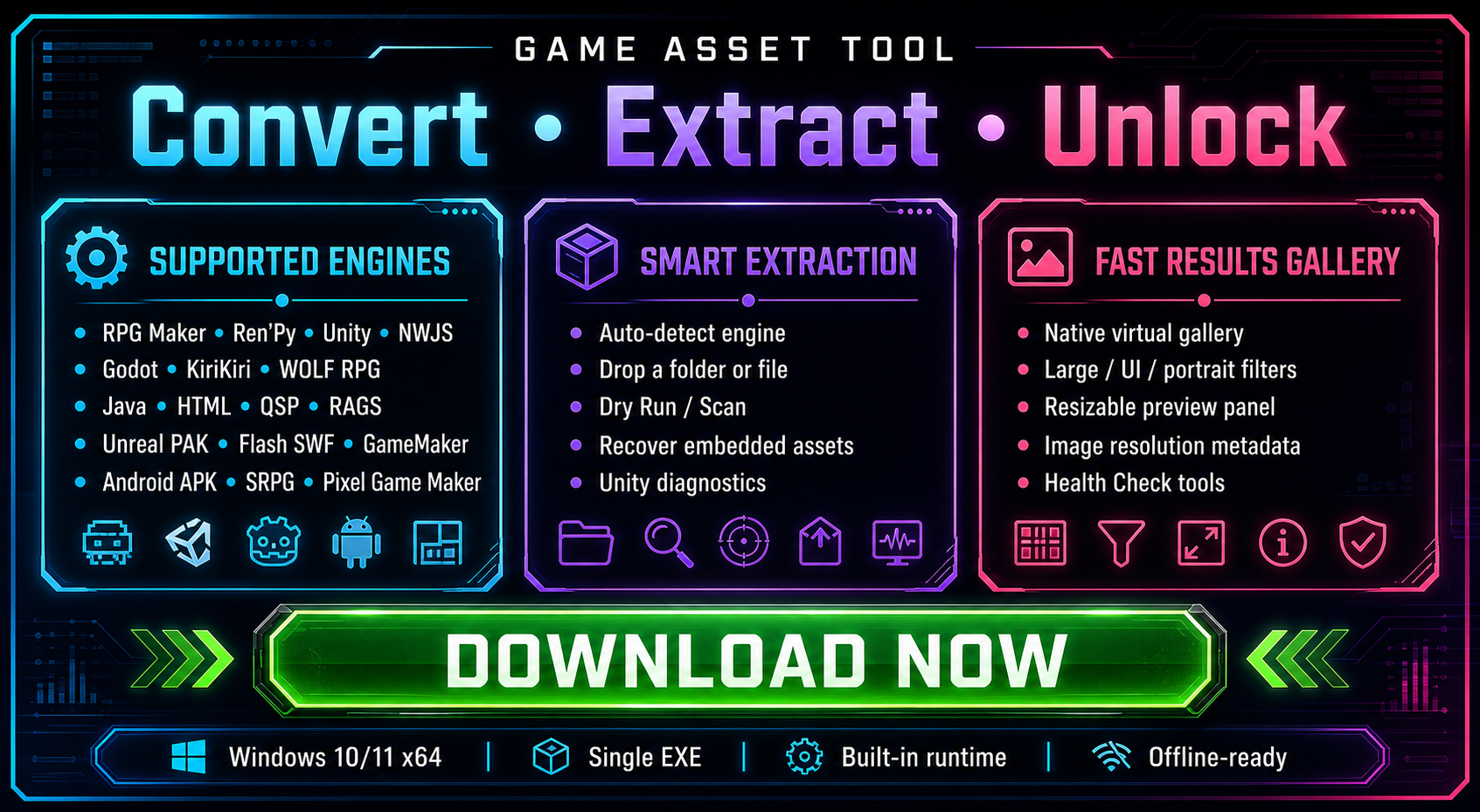
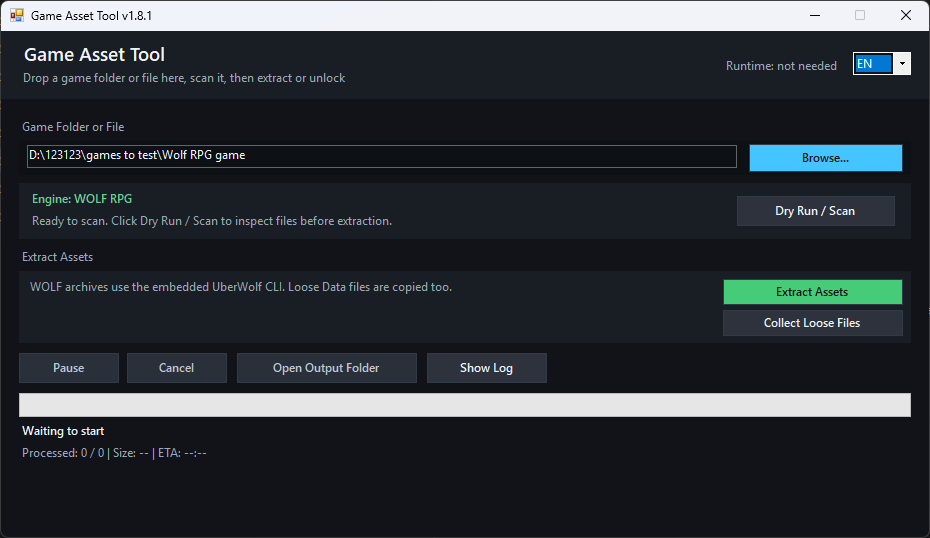
Game Asset Tool is a portable Windows tool for extracting, collecting, previewing and diagnosing assets from visual novels and indie games.
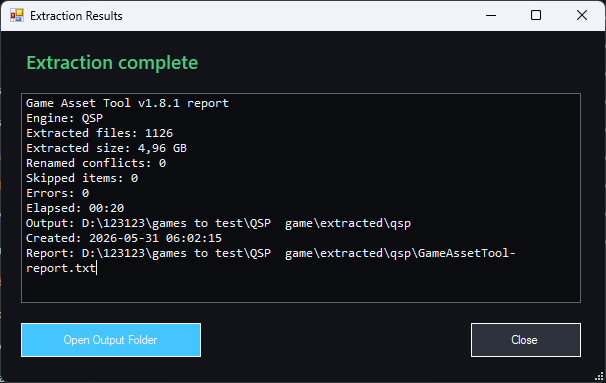
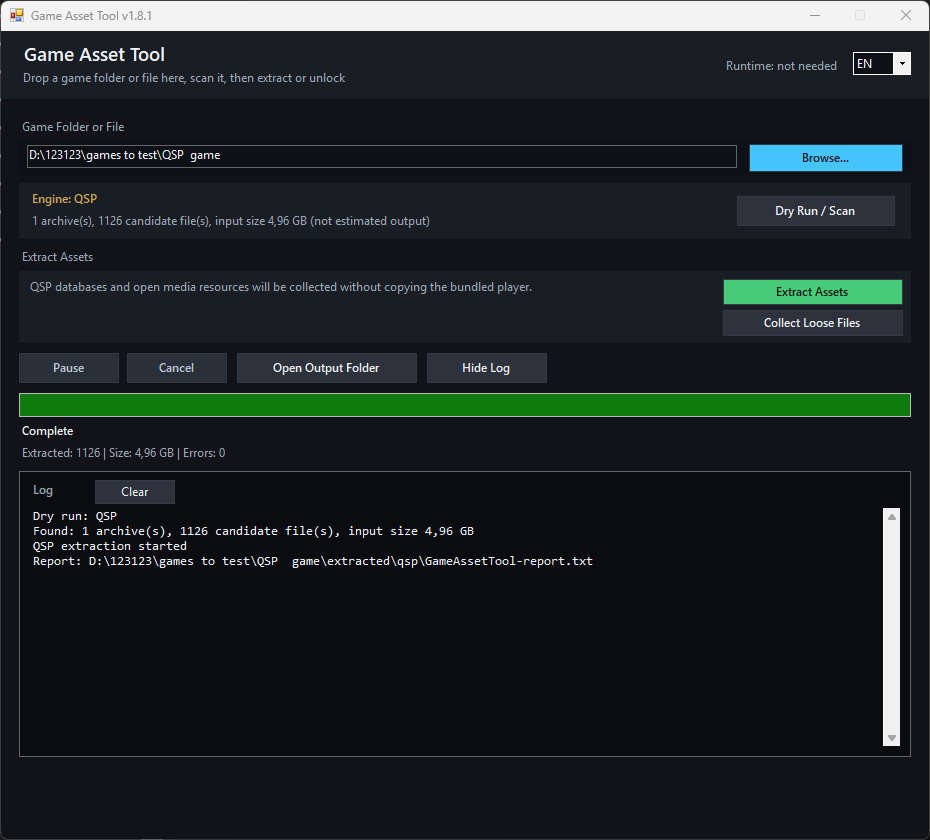
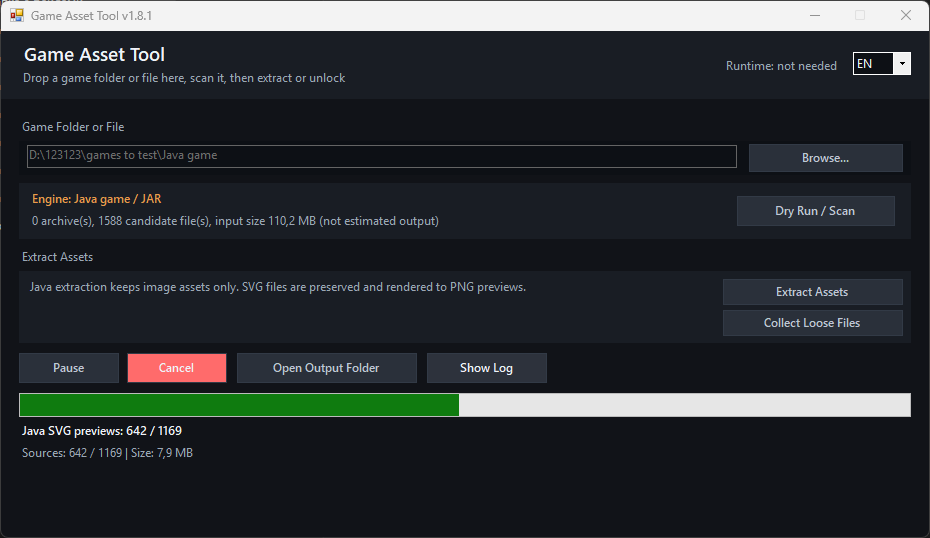
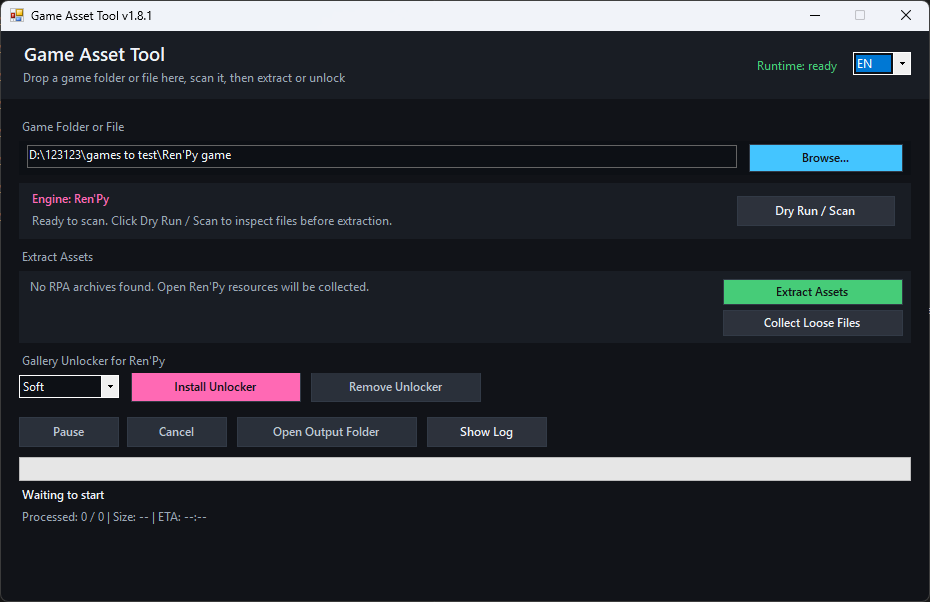
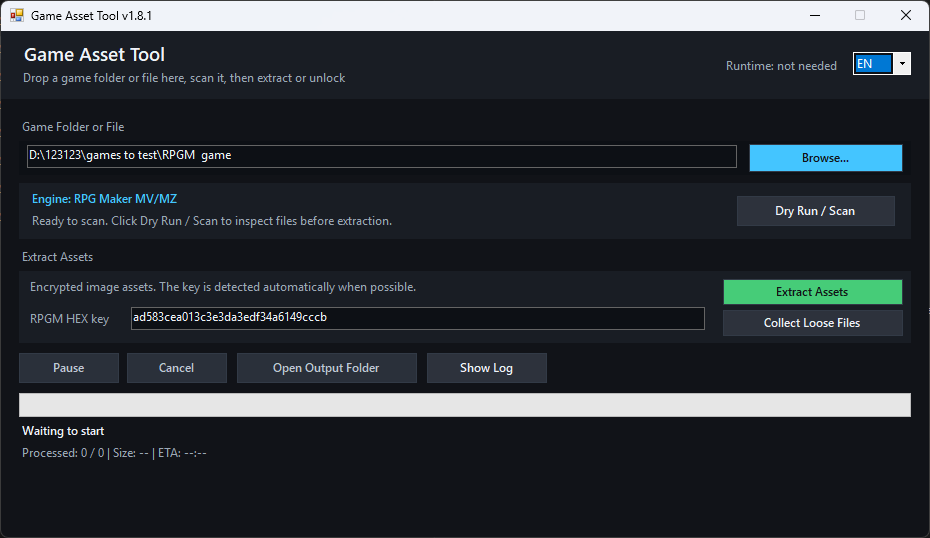
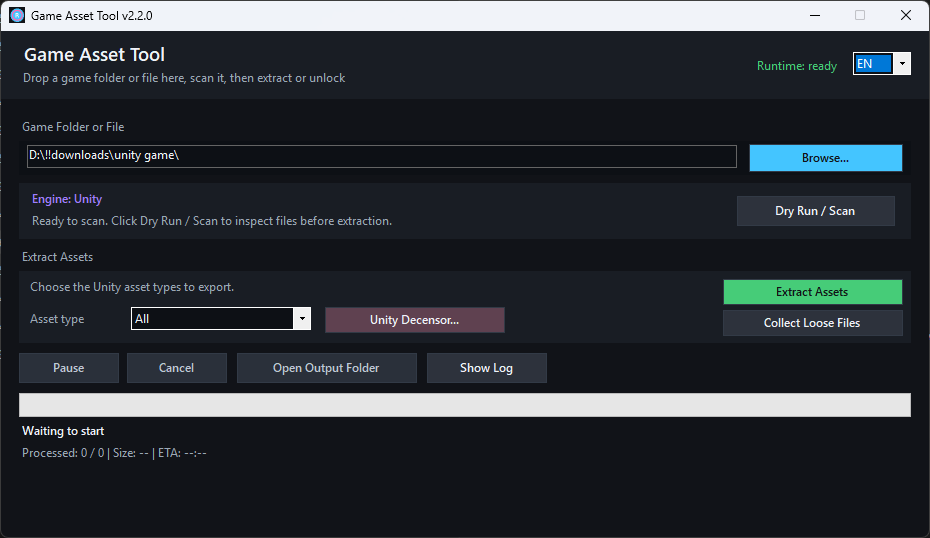
Drop a game folder or supported file into the window, run Dry Run / Scan, then extract only what the detected engine supports. Output is written into an extracted folder inside the selected game directory, so original files are left untouched.



Main Features
- One portable Windows EXE with a built-in runtime.
- Drag and drop game folders, archives or files into the window.
- Auto-detect engines and run a dry scan before extraction.
- Extract images, video and supported loose media into organized folders.
- Fast searchable results gallery with filters, grouping, thumbnail presets and a resizable preview panel.
- HTML reports with extraction summary, diagnostics, skipped-item details, health snapshot and performance notes.
- Recovery mode for unknown binary files with recognizable embedded media.
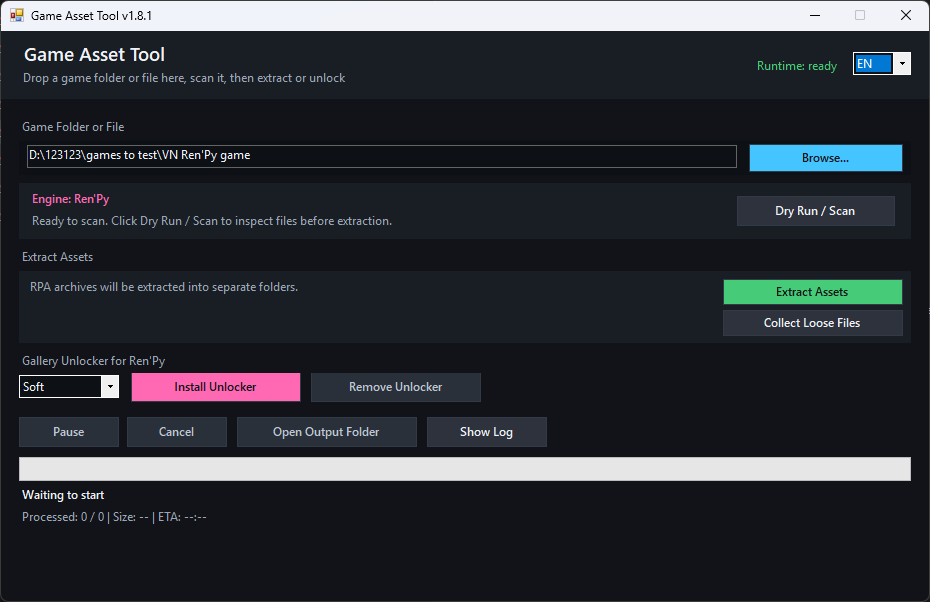
- Ren'Py gallery unlocker and optional Unity decensor assistant where supported.
- No telemetry.
Supported Engines And Formats
Built-in workflows: RPG Maker MV/MZ, RPG Maker XP/VX/VX Ace, Ren'Py, NWJS, Electron, Unity, Godot 3/4, KiriKiri, WOLF RPG, TyranoScript, Java/JAR, HTML, QSP and Android APK recovery.
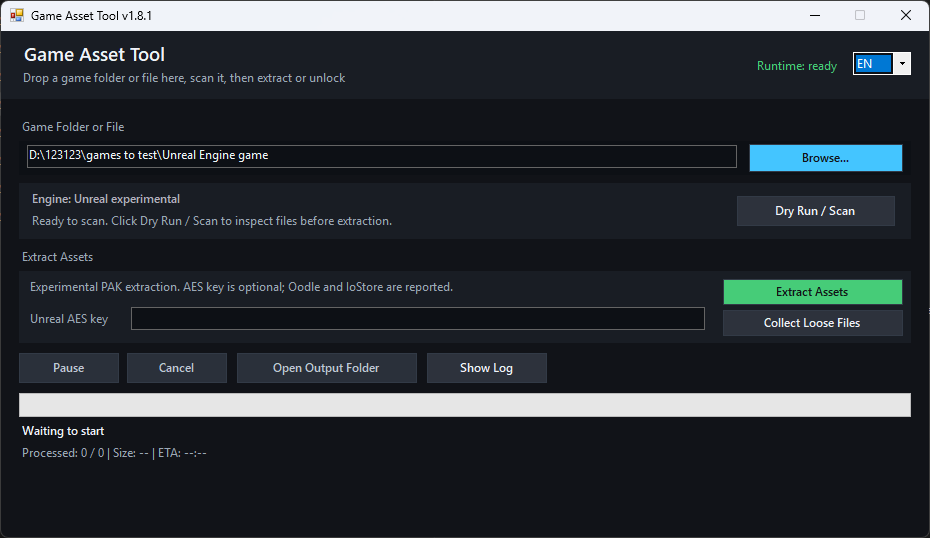
Experimental / recovery workflows: Unreal Engine .pak, Flash .swf, RAGS .rag, GameMaker data.win, SRPG Studio, Pixel Game Maker MV, SPAK .dat / SPITE and unknown formats with embedded PNG, JPEG, GIF, WebP, OGG, WAV or video data.
Unity Decensor Assistant
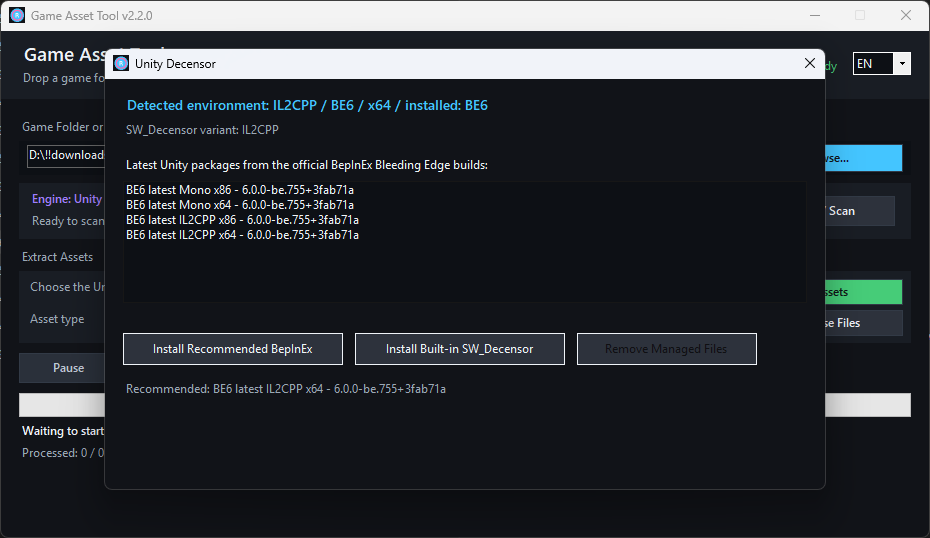
For Unity games, the Unity Decensor... window can detect Mono BE5, Mono BE6 and IL2CPP setups, offer compatible BepInEx Bleeding Edge builds and install the matching embedded SW_Decensor v0.7.4.2 DLL after BepInEx has successfully launched once.
BepInEx downloads require internet access. Asset extraction itself works offline.
Support Development
Game Asset Tool is released as a pay-what-you-want download. You can leave an optional $2 donation when downloading on itch, or support development on Ko-fi: https://ko-fi.com/sanchei
Optional support helps fund compatibility fixes, new engine support and gallery improvements.
Notes And Limits
- Windows 10 version 1803 or later, or Windows 11 x64 is recommended.
- No separate Python, package or .NET runtime installation is required on supported Windows versions.
- Encrypted Godot PCK archives require a valid key.
- Some protected XP3, Unreal IoStore and custom archive formats are detected but not fully extracted.
- Unreal Oodle-compressed PAK files may need the game's own
oo2core*_win64.dll. - BepInEx and SW_Decensor compatibility is not guaranteed for every Unity game, especially games with custom launchers or anti-tamper behavior.
License: MIT
Download
Click download now to get access to the following files:
Development log
- itch.io Patch Notes v2.517 days ago
- itch.io Patch Notes v2.4.1017 days ago
- itch.io Patch Notes v2.4.917 days ago
- itch.io Patch Notes v2.4.817 days ago
- itch.io Patch Notes v2.4.717 days ago
- itch.io Patch Notes v2.4.622 days ago
- itch.io Patch Notes v2.4.522 days ago
- itch.io Patch Notes v2.4.422 days ago
Leave a comment
Log in with itch.io to leave a comment.